需审批 Needs approval 多Agent Multi-agent Skill Skill

OpenPencil:开源、可读写 .fig 的设计编辑器(自带 MCP) OpenPencil — open-source Figma-compatible design editor with MCP

OpenPencil — open-source Figma-compatible design editor with MCP

本机打开 .fig,还能让编程助手通过 MCP 改每一层。 Open .fig locally and let agents edit every layer over MCP.

OpenPencil:开源、可读写 .fig 的设计编辑器(自带 MCP) 预览
打开原文Open source

详细介绍Details

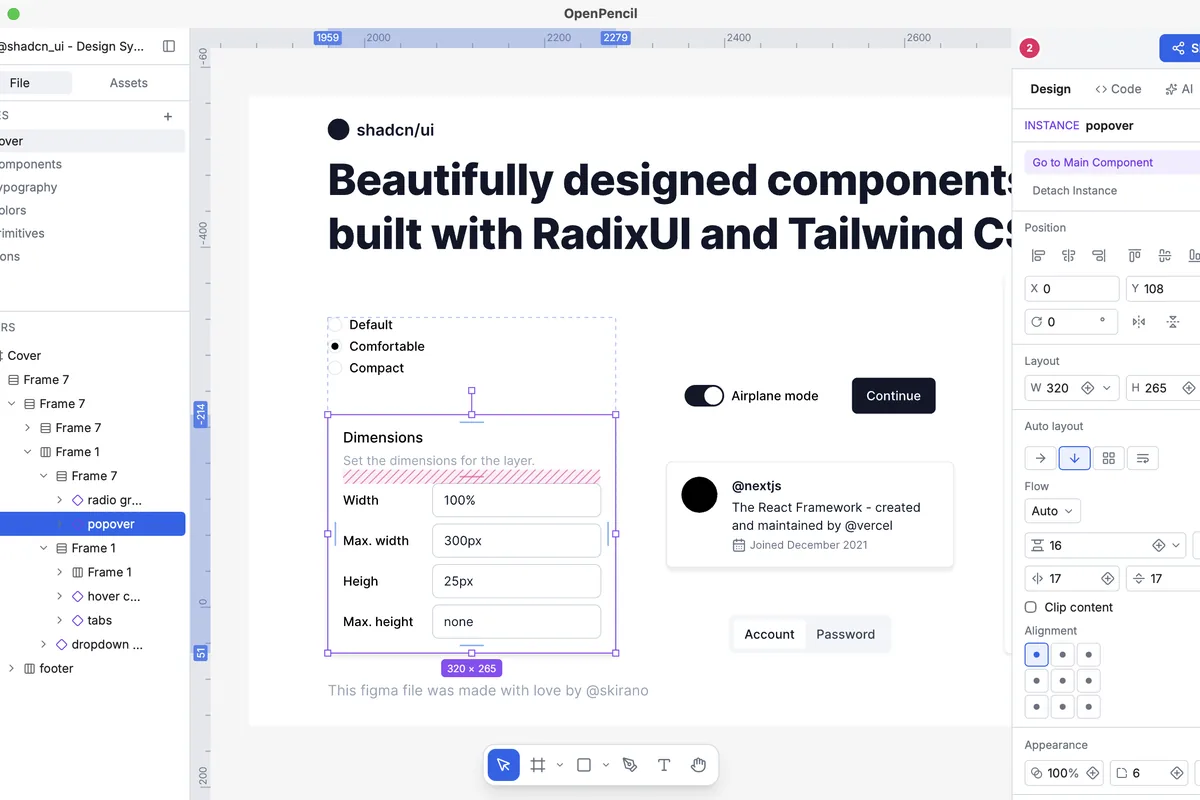
OpenPencil 是 MIT 开源的设计编辑器:本机打开并写回 .fig,也能开 .pen。桌面版用 Tauri(README 写可用 Homebrew 安装,也有网页版和在线演示),内置 AI 聊天,密钥用你自己的。编程助手可以走 CLI(npm 包 @open-pencil/cli)或 MCP(@open-pencil/mcp)改图层;文档站还有无头 Vue SDK 和 llms.txt。文档站可编程页列出 24 条 CLI 命令。README 写项目仍在积极开发,现在能用,边角还糙。官网另有托管版 Cloud 的候补名单,和开源编辑器分开,本条不写 Cloud。适合想在自己机器上改 Figma 文件,并让 Cursor、Claude Code 这类助手经 MCP 改每一层的人。本库没有安装桌面版,也没有接上 MCP。 OpenPencil is an MIT design editor that opens and writes .fig files, and also opens .pen. The desktop app is Tauri (the README lists a Homebrew install; there is also a web app and an online demo) with built-in AI chat on your own keys. Coding agents can drive layers through the CLI (npm @open-pencil/cli) or MCP (@open-pencil/mcp); the docs also ship a headless Vue SDK and llms.txt. The programmable docs page lists 24 CLI commands. The README says the project is in active development: usable, with rough edges. The site has a separate waitlist for hosted OpenPencil Cloud; this entry does not cover Cloud. Good when you want to edit Figma files on your own machine and let Cursor or Claude Code change every layer over MCP. This library did not install the desktop app or connect MCP.

为什么推荐Why we recommend it 未本机安装桌面版、未接 MCP 实测;功能照官网/README。托管版 Cloud 只看到候补入口,本条不写。 Desktop app not installed here and MCP not exercised; features follow the site and README. Hosted Cloud only showed a waitlist, so this entry skips it.

核验记录:来源、抓取与截图说明Verification log: sources, checks, and captures

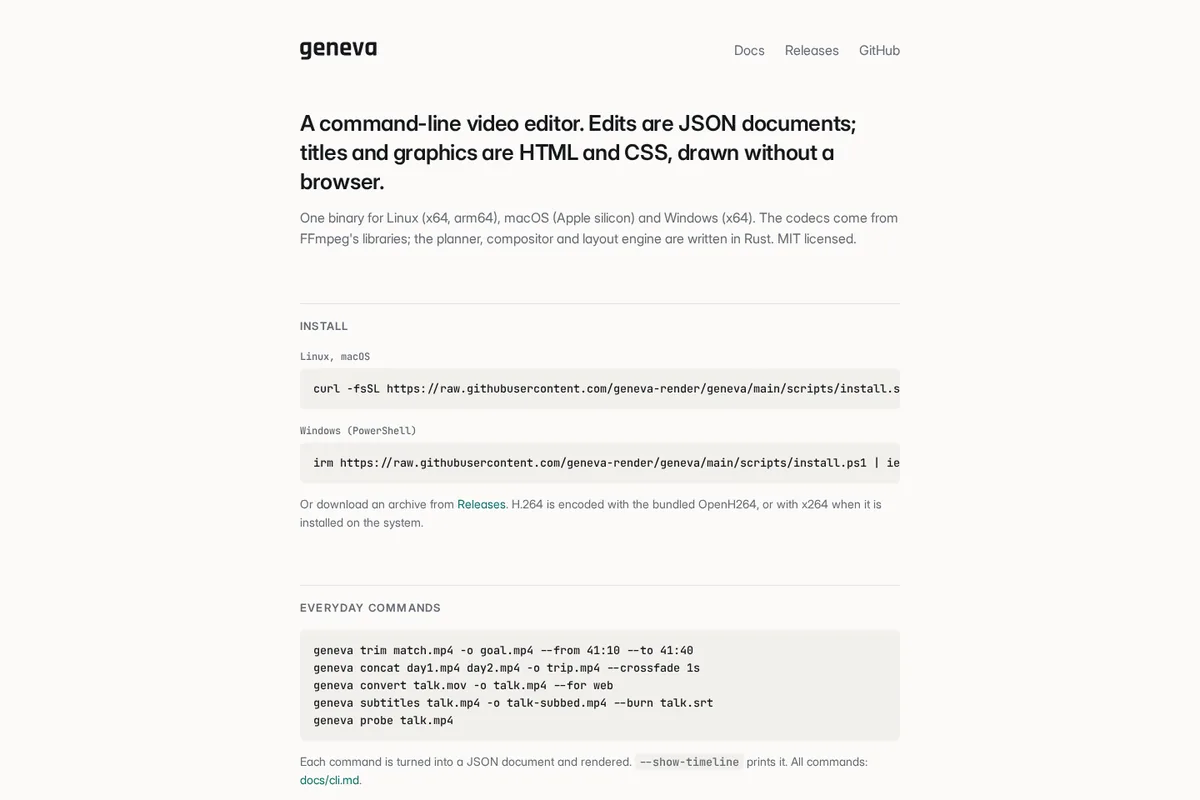
2026-10-15 晚间:openpencil.dev、llms.txt、MCP 文档、app.openpencil.dev/demo 均为 HTTP 200。gh api:MIT、8992★,创建于 2026-02-27,最近推送 2026-10-15;最新 release v0.16.0(2026-10-14)。npm @open-pencil/cli 与 @open-pencil/mcp 均为 0.16.0、MIT。README 写可读写 .fig 与 .pen、桌面与网页、内置聊天、CLI、MCP、Vue SDK、llms.txt,并写 Active development / rough edges。官网可编程页标题写 122 MCP tools,并列出 24 条命令名(本库逐条数过是 24);README 写 100+ tools,未逐个对照工具表。Cloud 页只有候补,未见标价。预览取官网与 README 同款 screenshot.png,去掉黑边后裁 3:2 WebP(1200×800)。2026-10-15 evening: openpencil.dev, llms.txt, the MCP docs, and app.openpencil.dev/demo all HTTP 200. gh api: MIT, 8992★, created 2026-02-27, last push 2026-10-15; latest release v0.16.0 (2026-10-14). npm @open-pencil/cli and @open-pencil/mcp are both 0.16.0, MIT. The README says read/write .fig and .pen, desktop and web, built-in chat, CLI, MCP, Vue SDK, llms.txt, and active development with rough edges. The programmable page heading says 122 MCP tools and lists 24 command names (counted here as 24); the README says 100+ tools, and this library did not reconcile the tool table one by one. Cloud is a waitlist with no price shown. Preview is the site/README screenshot.png, black bars removed, cropped to a 3:2 WebP (1200×800).
上手路径How to start

审批边界Approval boundary

助手会改打开的设计文件;写回 .fig 或交给团队前,自己看一层。 The agent can edit the open design file; review the layers before writing the .fig back or handing it to a team.

  1. 先跑一次安全范围Run a safe first pass

    先在可撤回、不外发的范围内试跑。本条未批准前:助手会改打开的设计文件;写回 .fig 或交给团队前,自己看一层。。 Try it first in a reversible, non-outbound scope. Until approved: The agent can edit the open design file; review the layers before writing the .fig back or handing it to a team..

  2. 存 SkillSave a Skill

    这条用法已包含可复用 Skill。跑通安全范围后,立刻把步骤固化下来。 This use already includes a reusable Skill. After the safe pass, lock the steps in.

  3. 再上 RoutineThen add a Routine

    确认输出可靠后,再考虑定时或事件触发;例行默认仍应停在待审。 After output is reliable, consider a schedule or event trigger. Routines should still stop at review by default.

相关案例Related cases