AI UP LAB / DESIGN SYSTEM / v1.2.1
品牌与界面规范Brand & interface guidelines
让内容更清楚,让下一步更直观。为真实任务建立一套设计语言,让人和 AI 都能读懂、用起来。Make content clear and the next step obvious. A design language for real tasks, shared by people and AI.
01 / DESIGN LANGUAGE
看见规则,开始设计。See the rules. Start designing.
02 / HANDBOOK
从规则到实际界面From rules to working interfaces
10 GUIDES / v1.2.1按设计对象查阅结构、参数、状态与代码;每项规则都能单独交给 AI。Explore anatomy, parameters, states, and code by design object. Share each rule with AI independently.
基础与素材Foundations & assets
品牌、色彩与字体Brand, color & typography栅格、间距与容器Grid, spacing & containers图像、图标与动效Images, icons & motion组件规范Components
按钮与行动层级Buttons & action hierarchy资源卡片与收藏Resource cards & favorites导航与渐进展开Navigation & progressive disclosure加载、空白与错误反馈Loading, empty & error feedback页面模式Page patterns
首页、分类与详情模板Home, section & detail patterns03 / BRAND FOUNDATIONS
01 / PRINCIPLES
清楚、实用、有依据Clear, useful, grounded
内容优先Content first
进来就能看到精选或最新资源。低频操作收进合适的入口,不挤占首屏。Show useful picks and recent resources immediately. Keep occasional controls in an appropriate secondary entry.
行动明确A clear next step
按用户要完成的任务组织内容。每条说明能做什么,按钮说明接下来做什么。Organize around tasks. Explain what a resource does and label the next action.
来源可信Traceable sources
真实预览和原文链接优先。编辑推荐、作者声称与实际验证各有清楚边界。Prefer real previews and original sources. Distinguish editorial picks, author claims, and hands-on validation.
02 / IDENTITY
一个标志,两种对比One mark, two contrasts
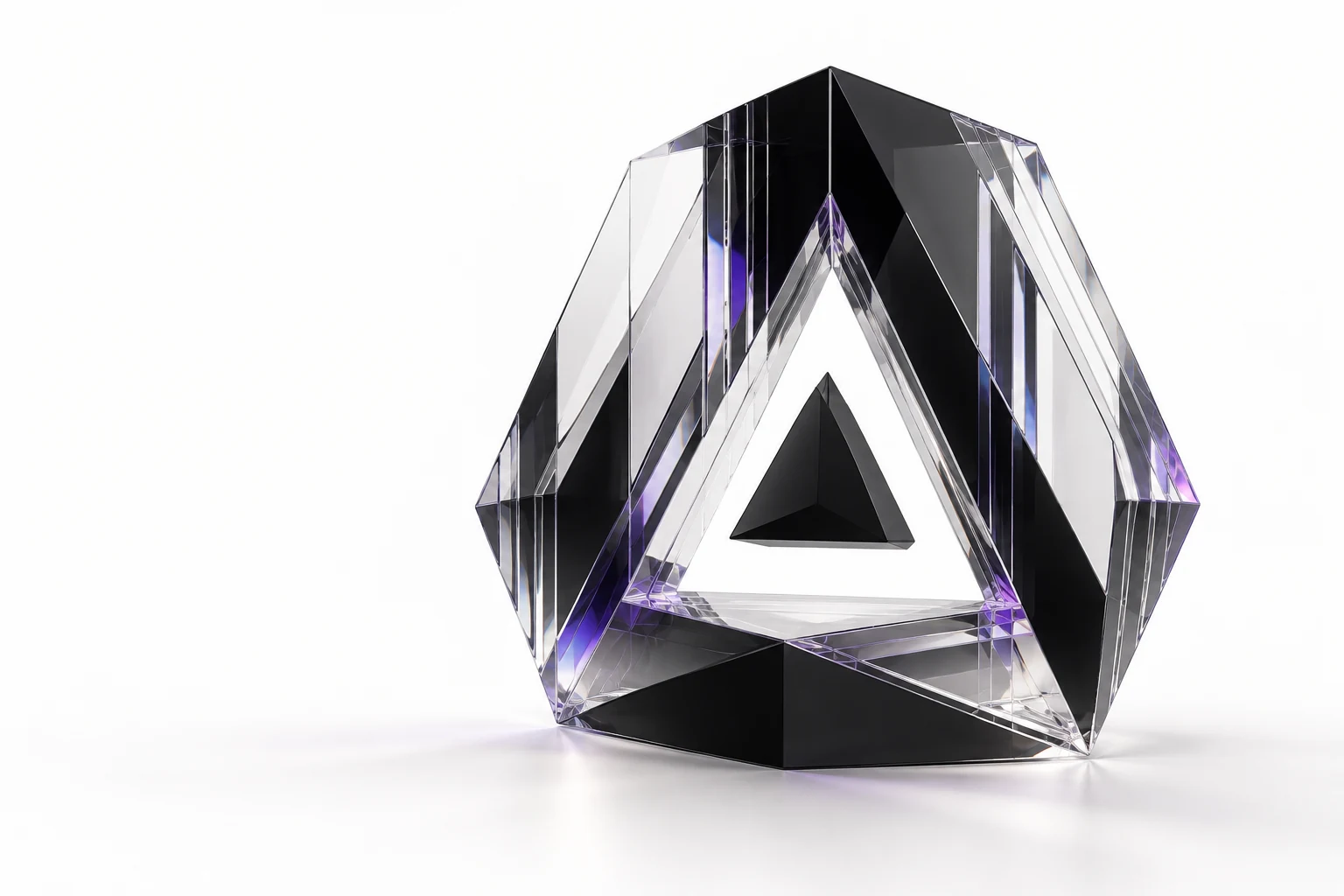
六边形轮廓保留向上的空心三角形,中心加入 45% 等比缩小的实心三角形。标志以中性黑或反白呈现,紫色留给行动与重点。The hexagonal mark contains an upward triangle cutout and a solid triangle scaled to 45% around its centroid. Use neutral dark or reversed light; reserve violet for actions and emphasis.
浅色背景 · 中性黑Light surface · Neutral dark
深色背景 · 反白Dark surface · Reversed light
安全留白 ≥ 标志盒宽的 1/4Clear space ≥ ¼ of the mark box
16px24px32px64px最小 16 px;手机导航 24 px;桌面导航 32 px。不要拉伸、旋转、描边或给标志加阴影。Minimum 16px; mobile navigation 24px; desktop navigation 32px. Do not stretch, rotate, outline, or shadow the mark.
64px / 36px32px / 18px24px / 14px横向组合(标志 + 字标)Horizontal lockup (mark + wordmark)
- 字标:Geist 500,字距 -0.02em(大于 64px 的展示尺寸用 -0.045em)。Wordmark: Geist 500, tracking -0.02em (-0.045em at display sizes above 64px).
- 比例:可见图形高度 ≈ 字母大写高度的 1.75 倍。桌面 32px 标志配 18px 字,手机 24px 配 14px。Scale: the visible glyph is about 1.75 × the cap height. 32px mark with 18px type on desktop; 24px with 14px on mobile.
- 间距:图形右缘到首字母 = 大写高度的 0.5 倍(Geist 中约 0.36em)。SVG 盒子两侧自带 20% 空白,要先扣掉,不要在外框上再加间距。Gap: from the glyph edge to the first letter = 0.5 × cap height (about 0.36em in Geist). The SVG box carries 20% empty space per side; trim it instead of adding spacing to the box.
- 对齐:图形与大写字母高度居中;左侧以可见图形边缘对齐页面网格。Alignment: centre the glyph on the cap height; align the visible glyph edge, not the SVG box, to the page grid.
- 留白:整个组合四周至少保留 1/4 标志盒宽;标志最小 16px。Clear space: at least ¼ of the mark box around the whole lockup; minimum mark size 16px.
03 / COLOR
中性底色,紫色引导Neutral surfaces, violet direction
下面的色板跟随右上角的深浅主题切换。颜色按用途命名,同一份参数驱动页面与下载文件。These swatches follow the theme switch in the header. Semantic roles share one source with the live site and downloadable tokens.
页面底色Background
#fffefd#141218--lab-color-background内容表面Surface
#ffffff#1b1822--lab-color-surface柔和底色Soft surface
#f5f2fa#25202e--lab-color-soft主要文字Primary text
#17151b#f5f2fa--lab-color-text辅助文字Secondary text
#625d6d#b2aabb--lab-color-muted来源与注释Metadata
#777080#968ba4--lab-color-subtle分隔线Border
#e8e5ee#332d3c--lab-color-border品牌紫Brand violet
#6741c2#b79af5--lab-color-brand完成状态Success
#217a4d#75d49e--lab-color-success待复核状态Warning
#8a5b12#ecc17a--lab-color-warning失效状态Error
#b42318#ff9e98--lab-color-error紫色表示重点和动作,不表示质量高低。状态色同时配文字;分隔线颜色不能用于正文。普通文字以 4.5:1 对比度为目标,大字号以 3:1 为目标。Violet marks emphasis and action, not quality. Pair status colors with labels and never use border colors for body text. Target 4.5:1 for normal text and 3:1 for large text.
04 / TYPE & SPACING
让层级容易读,让留白有尺度Readable hierarchy, measured space
英文使用 Geist,中文使用系统中文字体回退;代码与参数使用 IBM Plex Mono。正文建议 1.7 倍行高,长中文标题按完整短语换行。Use Geist with system CJK fallbacks, and IBM Plex Mono for code. Aim for a 1.7 body line height and keep meaningful phrases together in headlines.
主推标题Editorial headline34–57 px
区块标题Section heading23 px
资源标题Resource title17 px
正文Body text15 px / 1.7
来源与日期Source & date12 px
间距以 4 px 为基础Spacing starts at 4px
4812162024324864控件圆角 7 px,内容卡片圆角 8 px。相邻内容间距优先使用 16 / 24 px,区块间距使用 32 / 48 / 64 px;避免靠大面积空白制造层级。Use 7px control corners and 8px card corners. Prefer 16/24px between related content and 32/48/64px between sections. Avoid oversized blank areas.
05 / COMPONENTS
少量组件,清楚的状态A small set of clear components
优先复用本站组件。主按钮负责下一步,次操作保持轻量;收藏按钮独立于卡片链接。Reuse existing site components. Primary actions show the next step; secondary actions stay quiet. Keep favorites separate from card links.
按钮与图标Buttons & icons
使用 Phosphor regular 图标,常用尺寸 18 / 20 / 24 px。只有图标的按钮需要可读标签;焦点状态与选中状态分别表达。Use Phosphor regular at 18/20/24px. Icon-only controls need accessible labels; focus and selection are different states.
组件Component
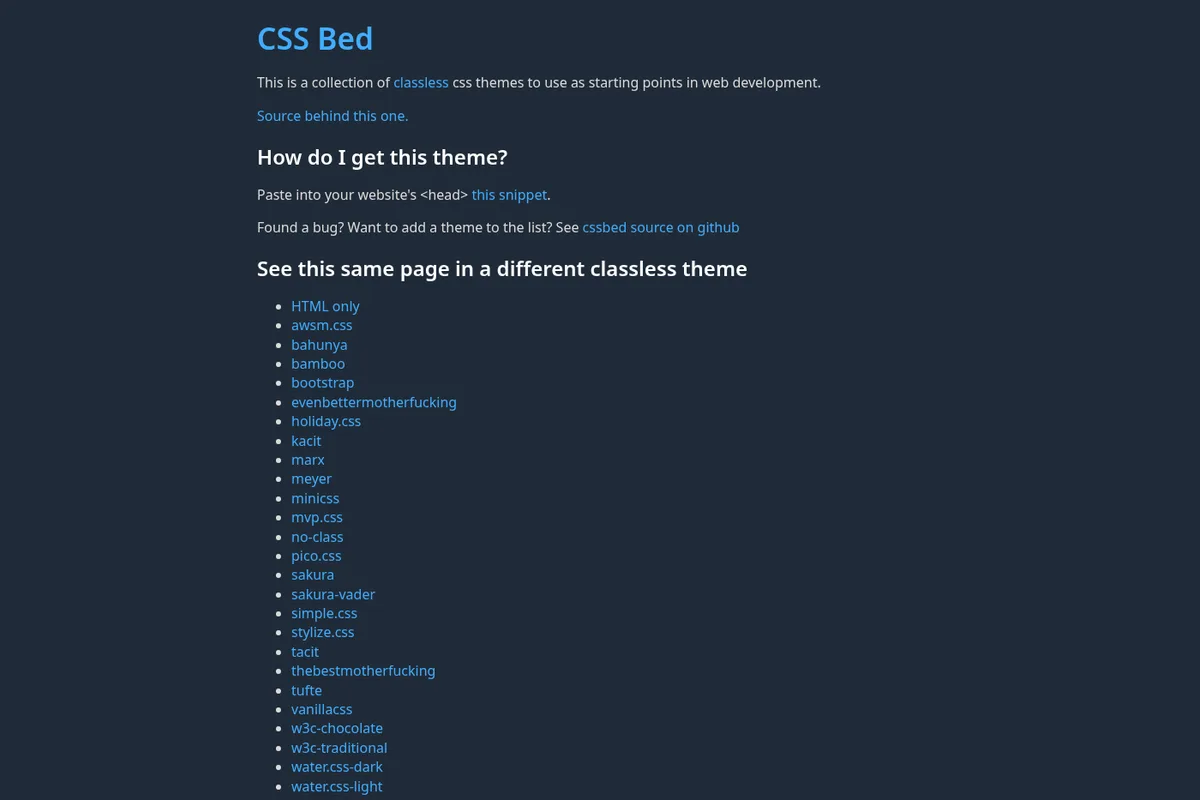
CSS Bed:一套可切换的 classless CSS 主题床CSS Bed: a switchable bed of classless CSS themes
给纯 HTML 切换不同的 CSS 主题。Switch CSS themes for plain HTML.
cssbed.com
工具Tool
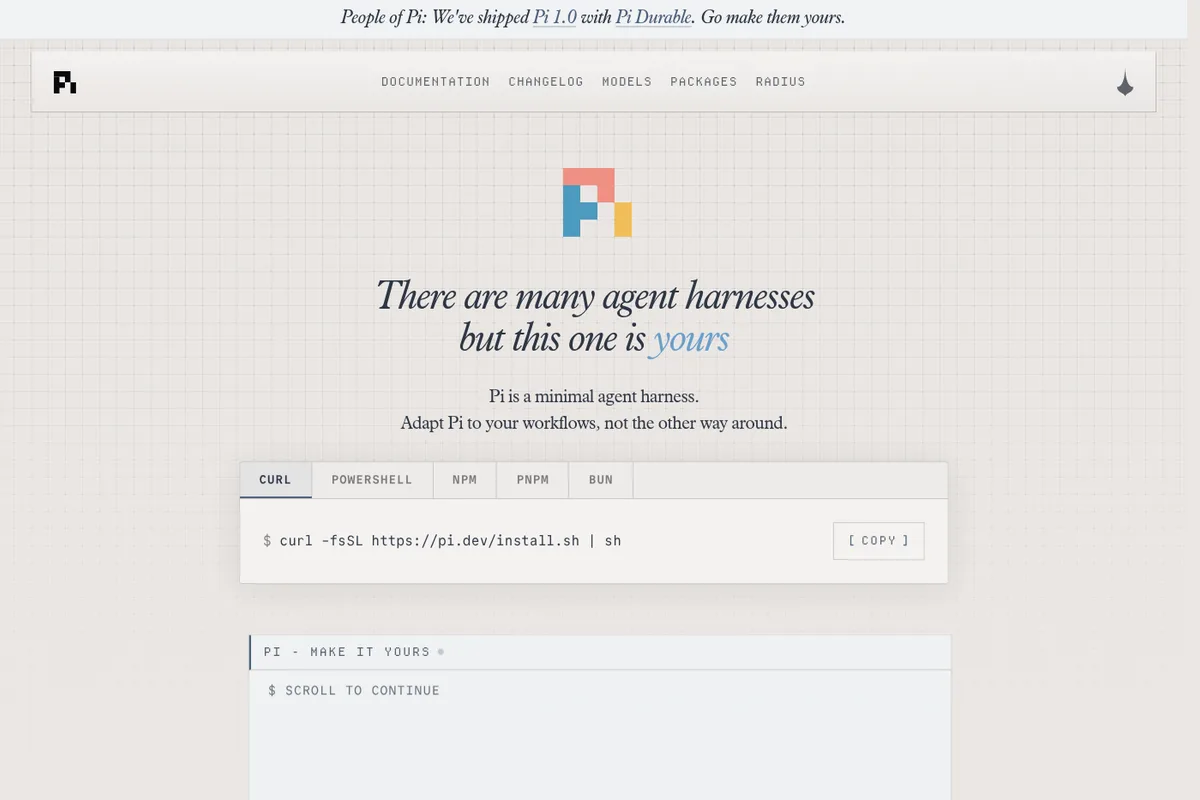
Pi 1.0 — 可自改的极简 coding agent 底座(附 Pi Durable)Pi 1.0 — minimal, make-it-yours coding agent harness (plus Pi Durable)
用极简 Agent 底座搭自己的编程工作流。Build your own coding workflow on a minimal Agent harness.
earendil.com
以上为真实资源卡片,可以打开详情或收藏。来源、标题与简介的顺序在各个目录保持一致。These are real resources: open a detail page or save an entry. Keep source, title, and description order consistent across sections.
状态示例Status examples
状态演示,不代表上述资源的核验结论。State examples, not verification results for the cards above.
暂无符合条件的资源No matching resources
试试减少条件,或看看全部内容。Try fewer filters or explore all resources.
查看全部资源See all resources06 / PAGE PATTERNS
三种页面,三个重点Three patterns, three priorities
首页:发现值得看的内容Home: discover useful picks
- 一条主推与右侧创意轨One lead plus a creative rail
- 最新更新与目录入口Recent entries and section links
- 主推给出用途和推荐理由A clear purpose and editorial reason
分类页:直接浏览Sections: start browsing
- 标题、简介、资源数量Title, description, resource count
- 最新在前,按需展开Newest first, progressively revealed
- 搜索与筛选进入独立搜索页Search and filters on the search page
详情页:理解并开始使用Details: understand and try
- 是什么、适合谁、如何获取Purpose, audience, and access
- 真实来源、步骤与限制Sources, steps, and limitations
- 保留收藏与相关资源入口Favorites and related resources
内容最大宽度 1344 px。手机两行导航,正文单列,边距至少 14 px;较宽屏幕逐步增加列数。新组件的手机触控目标以 44 px 为目标,并支持键盘与减少动态效果设置。Keep content within 1344px. Use two navigation rows on mobile, single-column content, and at least 14px gutters; add columns on wider screens. Aim for 44px mobile targets on new controls, keyboard support, and reduced motion.
07 / AI BRIEF
把规则交给 AI,把质量留在验收里Give AI the rules, then verify the result
- 先展示内容,再提供操作。分类页保留标题、简介、数量与最新列表;搜索和筛选进入独立搜索页。Show content first. Category pages have a title, a short description, a count, and the newest entries. Search and filters live on the search page.
- 首页采用一条主推,右侧放提示词与 AIGC 创意轨,再接最新更新和目录入口。精选应说明具体用途与适用人群。Use one editorial lead, a right-rail of prompt and AIGC creative picks, then recent entries and section links. Explain a concrete purpose and audience.
- 白底承载信息,紫色引导行动。每个局部只突出一个主操作,次操作用描边或文字链接。Use neutral surfaces for information and violet for action. Give each area one primary action; use outlines or text links for secondary actions.
- 沿用六边形标志与 45% 中心三角形;等比缩放,深色背景用反白版本。Keep the hexagonal mark and its 45% central triangle. Scale proportionally and reverse the mark on dark surfaces.
- 优先使用资源的真实预览;生成插图应明确用于概念表达,不代替产品截图或操作证据。Prefer real resource previews. Generated illustrations communicate concepts and do not replace product screenshots or evidence.
- 保留真实来源、原有详情链接和收藏键。收录日期不等于实际验证;失效资源进入复核。Keep real sources, existing detail links, and favorite keys. Listing dates do not imply hands-on validation; review stale resources.
- 标题与说明中英成对;按钮写清动作。推荐理由说明用途,避免空泛形容词和无法证实的效果。Provide paired Chinese and English copy. Label actions clearly and describe purpose without unsupported claims.
- 手机上优先呈现内容。避免横向溢出;按钮可用键盘操作,收藏与卡片链接分开。Prioritize content on mobile. Prevent page overflow, support keyboards, and keep favorite controls separate from card links.
查看完整工作说明Read the full brief
# AI UP LAB · Brand and interface guide

Version: 1.2.1
Updated: 2026-10-05

## 中文工作说明

你正在为 AI UP LAB 设计或实现界面。它是面向任务的 AI 实践资源站,沿用现有的白底、黑色文字与紫色强调视觉。读取同目录的 tokens.json 和 tokens.css,复用现有 Astro 组件;不要重新设计品牌。

1. 先展示内容,再提供操作。分类页保留标题、简介、数量与最新列表;搜索和筛选进入独立搜索页。
2. 首页采用一条主推,右侧放提示词与 AIGC 创意轨,再接最新更新和目录入口。精选应说明具体用途与适用人群。
3. 白底承载信息,紫色引导行动。每个局部只突出一个主操作,次操作用描边或文字链接。
4. 沿用六边形标志与 45% 中心三角形;等比缩放,深色背景用反白版本。
5. 优先使用资源的真实预览;生成插图应明确用于概念表达,不代替产品截图或操作证据。
6. 保留真实来源、原有详情链接和收藏键。收录日期不等于实际验证;失效资源进入复核。
7. 标题与说明中英成对;按钮写清动作。推荐理由说明用途,避免空泛形容词和无法证实的效果。
8. 手机上优先呈现内容。避免横向溢出;按钮可用键盘操作,收藏与卡片链接分开。

## English implementation brief

You are designing or implementing AI UP LAB, a task-oriented collection of practical AI resources. Keep its existing neutral surfaces, dark typography, and violet accent. Read tokens.json and tokens.css in this directory and reuse the existing Astro components.

1. Show content first. Category pages have a title, a short description, a count, and the newest entries. Search and filters live on the search page.
2. Use one editorial lead, a right-rail of prompt and AIGC creative picks, then recent entries and section links. Explain a concrete purpose and audience.
3. Use neutral surfaces for information and violet for action. Give each area one primary action; use outlines or text links for secondary actions.
4. Keep the hexagonal mark and its 45% central triangle. Scale proportionally and reverse the mark on dark surfaces.
5. Prefer real resource previews. Generated illustrations communicate concepts and do not replace product screenshots or evidence.
6. Keep real sources, existing detail links, and favorite keys. Listing dates do not imply hands-on validation; review stale resources.
7. Provide paired Chinese and English copy. Label actions clearly and describe purpose without unsupported claims.
8. Prioritize content on mobile. Prevent page overflow, support keyboards, and keep favorite controls separate from card links.

## Implementation contract

- Themes: light by default; preserve the visitor's saved dark/light preference.
- Fonts: Geist with a system CJK fallback; IBM Plex Mono for code and parameters.
- Layout: maximum 1344px; mobile gutter 14px; reflow at 700px and 1050px.
- Spacing: 4, 8, 12, 16, 20, 24, 32, 48, 64px. Controls: 7px radius; cards: 8px radius.
- Logo: use the supplied logo.svg, with no stretching, rotation, outline, or extra decoration. Minimum box size 16px; keep a quarter-box clear space.
- Logo lockup: mark + "AI UP LAB" in Geist 500, tracking -0.02em (-0.045em at display sizes); wordmark 18px with the 32px mark on desktop, 14px with the 24px mark on mobile. Gap = 0.5 × wordmark cap height (0.36em in Geist) between the visible glyph and the first letter; trim 0.2 × mark box on each side, so the glyph edge (not the SVG box) sits on the grid. Glyph centred on the cap height, not on the line box.
- Icons: reuse Phosphor regular icons through Icon.astro; keep the custom brand mark separate.
- States: default, hover, focus-visible, selected, disabled, empty, and loading must remain distinguishable when applicable. Use text as well as color for status.
- Accessibility: target 4.5:1 for normal text and 3:1 for large text; use visible focus and meaningful labels. Aim for 44px interactive targets on new mobile components. Respect reduced motion. These are requirements, not a claim of whole-site conformance.
- Source integrity: never fabricate sources, use-case results, benchmark rankings, or dates.
- Verify: build, mobile and desktop widths, both languages and themes, keyboard navigation, saved state, and no-JavaScript reading.

## Knowledge library

Read knowledge.json for stable rule IDs, dependencies, tokens, and source-code mappings. Read rules/<id>.md for each selected rule. These are static context files, not an MCP endpoint. Method reference: https://tmall-design.com/#blog/building-design-wiki-for-aigui . AI UP LAB owns its rules, parameters, and examples.

## Existing components

BrandMark.astro · Icon.astro · DirectoryCard.astro · EditorialPreview.astro · FavButton.astro · Loc.astro · BaseLayout.astro

## Before delivery

- [ ] Use the current tokens and shared components.
- [ ] Keep content immediately visible on category pages.
- [ ] Preserve URLs, sources, and favorite IDs.
- [ ] Provide Chinese and English copy.
- [ ] Check 320px, 390px, 768px, and 1440px widths.
- [ ] Check light/dark, focus, disabled and empty states.
- [ ] Use npm run build and exercise the affected interactions.
验收要覆盖手机和桌面、中英双语、深浅主题、键盘操作与收藏状态。上述对比度和触控尺寸是设计目标,不代表整站已通过完整无障碍认证。Verify mobile and desktop, both languages and themes, keyboard use, and saved state. Contrast and target-size requirements are design goals, not a claim of full-site accessibility certification.
08 / RESOURCES
同一份规范,直接拿去用One system, ready to reuse
规则、依赖、参数与代码映射Rules, dependencies, tokens, and code mappings

透明底,可等比缩放Transparent, scalable mark

用于深色背景For dark surfaces
深浅主题、间距、字体与规则Themes, spacing, type, and rules
与本站使用同一份参数The same tokens used by this site
可交给设计与编程助手For design and coding assistants
这套规范属于 AI UP LAB。后续调整优先更新共用参数与组件,再同步示例和 AI 工作说明。This system belongs to AI UP LAB. Update shared tokens and components first, then keep the examples and AI brief in sync.