详细介绍Details
Figma 在 2026-10-06 把画布里的设计助手从公测改成正式版。发布说明写的新能力包括:给设计库上传 markdown 规则,助手在启用该库时会读;可以看同事的助手正在画布上做什么;可以让助手在 Figma 里搜文件;生成式插件正式开放;可以在助手里写、发布自己的技能,自定义技能在 Starter 上也可用。从这一天起,使用会计入 Figma 的 AI 额度。席位要分开看。帮助中心写所有计划都能用,但 Full 席位且对文件有编辑权才能让助手改那个文件;View、Dev、Collab 或只有查看权的人可以聊天,不能改该文件;任何人都可以在自己的草稿里聊天并让助手改。同一天的官方博客写得更窄:Full 席位的 Professional、Organization、Enterprise 和部分 Education,Starter 是有限可用,Collab、Dev、View 只能在草稿里用。两处不一致,这条都记上,不把其中一句当成另一句的勘误。本库没有登录 Figma。 On 2026-10-06 Figma moved the design agent on the canvas from open beta to general availability. The release notes list library guidelines as markdown that the agent reads when that library is on, a way to watch teammates’ agents on the canvas, file search from the chat, generative plugins as generally available, and custom skills you write and publish in the agent. Custom skills are available on Starter. From that day, use counts against Figma AI credits. Seats need two readings. The help center says every plan can use it, but a Full seat with edit access is what can ask the agent to change that file. View, Dev, and Collab seats, or view-only access, can chat and not edit the file. Anyone can chat and ask for edits in their own drafts. The same day’s blog is narrower: Full seats on Professional, Organization, Enterprise, and some Education plans, limited availability on Starter, and Collab, Dev, and View seats only in drafts. Both wordings are recorded. Neither is treated as a correction of the other. This library did not sign in to Figma.
它是什么What it is
这是 Figma 自己的设计助手在 2026-10-06 从公测变成正式版的说明,不是又一个外面的插件。发布说明里和设计系统直接相关的几件事是:可以把规则、正例和反例写成 markdown 放进设计库,只要这个库开着,助手每次被提问都会读;可以点开聊天堆叠,看同事的助手正在画布上做什么;可以让它在 Figma 里搜文件,包括 FigJam 便签和 Slides;生成式插件正式开放;可以在助手里写自己的技能并发布,而且自定义技能在 Starter 计划上也能用。帮助中心补充了怎么打开:在画布上选中图层后点 Agents,或用 Cmd / Ctrl + Enter。从 10 月 6 日起,这些使用计入 AI 额度。公测时不扣。能改文件的人,按帮助中心是有编辑权的 Full 席位;只能看的席位可以聊,改动限制在自己的草稿。官方博客同一天又写了 Starter 有限可用、部分 Education 才有。两条都留着,因为它们不是同一句话。 This is Figma’s own note that the design agent left open beta on 2026-10-06. It is not another outside plugin. The release notes’ design-system pieces are: markdown rules, good examples, and bad examples on a library, read whenever that library is enabled; a chat pile so you can watch a teammate’s agent on the canvas; file search across Figma, including FigJam stickies and Slides; generative plugins generally available; and skills you write and publish in the agent, including on the Starter plan. The help center adds how to open it: select a layer and click Agents, or press Cmd or Ctrl + Enter. From October 6, this use counts against AI credits. Beta use did not. Who can edit, per the help center, is a Full seat with edit access. View-only seats can chat, and edits stay in their own drafts. The same day’s blog also says Starter is limited and only some Education plans are included. Both sentences stay, because they are not the same sentence.
为什么推荐Why we recommend it 博客末段写:Full seat on Professional, Organization, Enterprise, and some Education plans, limited availability on the Starter plan;Collab, Dev, and View seats can use the agent in their drafts。两套说法同时保留。具体每月额度数字在另一篇价格表,本条不转抄没有逐格核对的数字。发布说明还写:库的 markdown 指南、看同事助手、搜文件、生成式插件 GA、自定义技能在 starter 可用。旧的公测帮助页仍写 beta,与 10 月 6 日的发布说明冲突,不采用。本库未登录,未在文件里发过提示,未上传库指南,未跟过同事的助手。和库内 figma-bro 不是同一件事:那条是社区的 Grok Bot 模板。 The 2026-10-06 item is titled The Figma agent is generally available. Its “Who can use this feature” line says Available on all plans, then says a Full seat plus edit access is required for the agent to edit that file, View / Dev / Collab or view-only can chat without editing it, and anyone can chat and edit in their own drafts. The blog’s closing lines say Full seats on Professional, Organization, Enterprise, and some Education plans, limited availability on Starter, and Collab, Dev, and View seats can use the agent in drafts. Both wordings are kept. Monthly credit amounts live on another pricing table and are not copied here without a cell-by-cell check. The release notes also list markdown library guidelines, watching teammates’ agents, file search, generative plugins GA, and custom skills on Starter. An older help page still says beta and conflicts with the October 6 notes, so it is not used. This library did not sign in, did not send a prompt in a file, did not upload library guidelines, and did not follow a teammate’s agent. This is not the in-library figma-bro entry, which is a community Grok Bot template.
核验记录:来源、抓取与截图说明Verification log: sources, checks, and captures
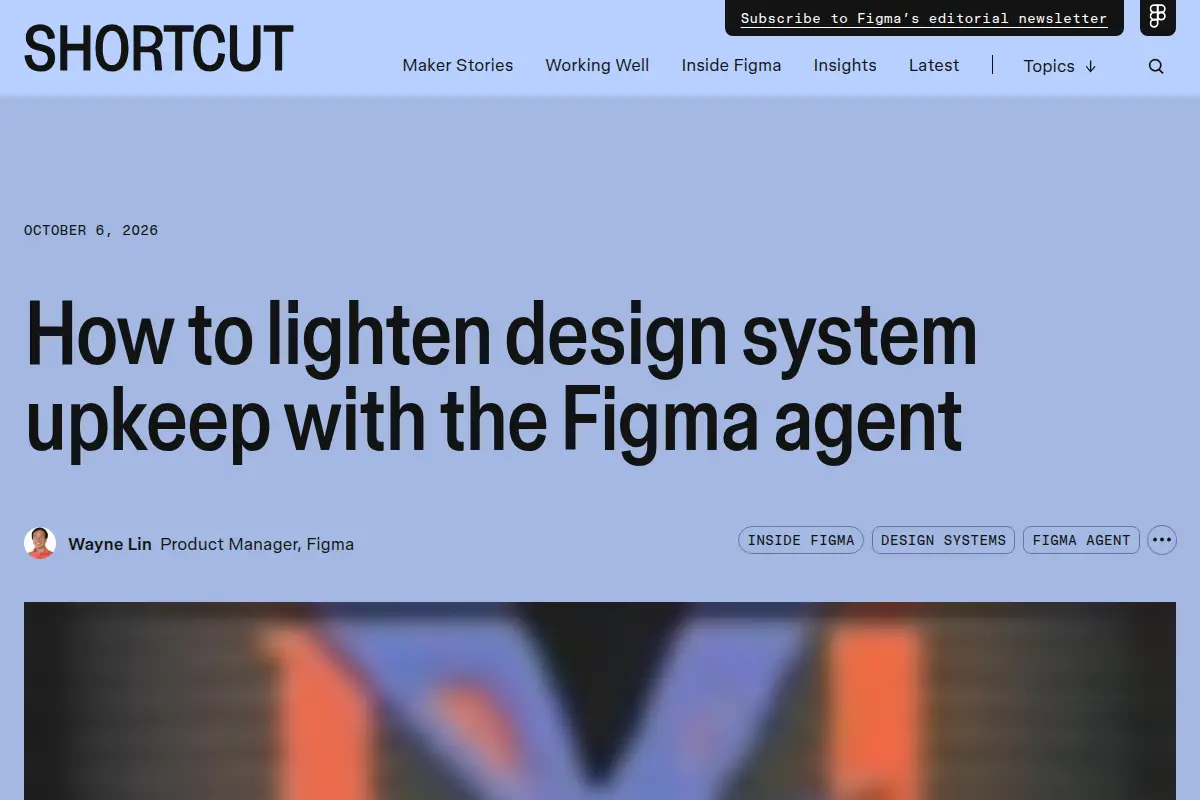
主源是 https://www.figma.com/release-notes/ ,撰写时 HTTP 200,2026-10-06 条目标题 The Figma agent is generally available。同日博客 https://www.figma.com/blog/figma-agent-and-design-systems/ HTTP 200,作者 Wayne Lin,Product Manager, Figma,日期 October 6, 2026。帮助中心 https://help.figma.com/hc/en-us/articles/37998629035799-Work-with-the-Figma-agent-in-design-files HTTP 200,页首 Who can use this feature 写 Available on all plans,并写明 Full 席位加编辑权才能让助手改文件,View / Dev / Collab 或仅查看可以聊天不能改该文件,任何人可在自己的 Draft 里聊天并改。额度 FAQ https://help.figma.com/hc/en-us/articles/42614902212887-AI-credit-updates-FAQ HTTP 200,写明 Design 与 Weave 里的助手于 October 6, 2026 从 open beta 转为 general availability,并开始消耗 Figma AI credits;公测期间不消耗。预览为 Chrome 实拍上述博客首屏裁 3:2 WebP。不打星。Primary source is https://www.figma.com/release-notes/, HTTP 200 at write time. The same-day blog https://www.figma.com/blog/figma-agent-and-design-systems/ returned HTTP 200, by Wayne Lin, Product Manager at Figma, dated October 6, 2026. Help center https://help.figma.com/hc/en-us/articles/37998629035799-Work-with-the-Figma-agent-in-design-files returned HTTP 200. The credits FAQ https://help.figma.com/hc/en-us/articles/42614902212887-AI-credit-updates-FAQ returned HTTP 200 and says the agent in Design and Weave tools moved from open beta to general availability on October 6, 2026 and now consumes Figma AI credits; beta usage did not. Preview is a Chrome capture of the blog above the fold, cropped to 3:2 WebP. Unrated.