详细介绍Details
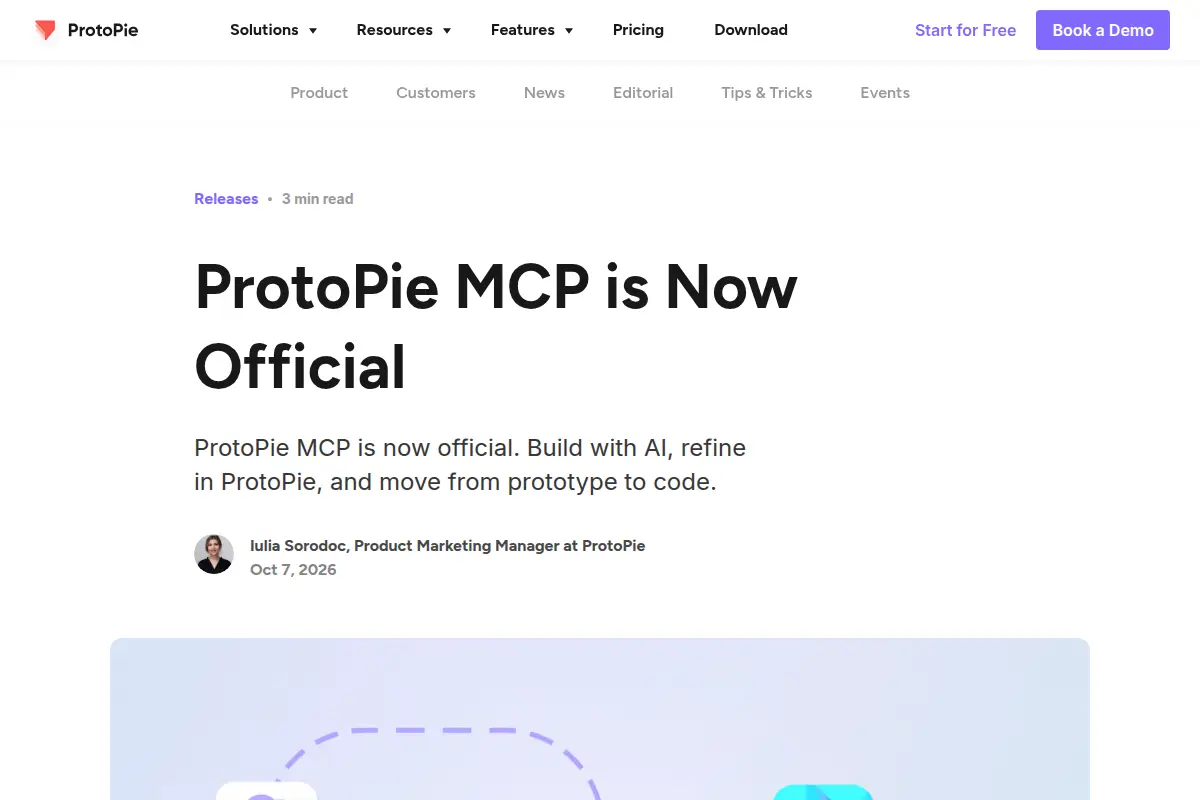
ProtoPie 在 2026-10-07 的官方博客宣布 ProtoPie MCP 正式版。MCP 是一种让 AI 助手连接外部工具的插头。这篇是给已经在用 ProtoPie 做可交互原型的人:Studio MCP 可以浏览你打开的组件库,把库里的组件放进原型,也可以把图层、场景、变量这些对象的 ID 写进提示词,让助手改到具体的那一个。出代码是另一档。Code MCP 官方列出的框架现在包括 React、React Native、Qt / QML、Flutter、SwiftUI、Compose 和 ArkTS,其中 React Native 是这次加上的。博客把套餐分成两档:Pro 计划的 MCP Core 只有 Studio MCP;Enterprise 计划的 MCP Enterprise 才有 Studio MCP、Code MCP 和 Dev View。本库没有 ProtoPie 账号,没有连过 MCP。 ProtoPie’s official blog on 2026-10-07 announced that ProtoPie MCP is now official. MCP is a plug that lets an AI assistant talk to an outside tool. The post is for people who already prototype interactions in ProtoPie. Studio MCP can browse the libraries you have enabled, place those components into a prototype, and take an element’s ID in the prompt so the assistant edits that layer, scene, or variable. Code generation is a separate tier. Code MCP’s official framework list is now React, React Native, Qt / QML, Flutter, SwiftUI, Compose, and ArkTS. React Native is the one added this time. The blog splits plans in two: MCP Core on the Pro plan is Studio MCP only; MCP Enterprise on the Enterprise plan adds Code MCP and Dev View. This library has no ProtoPie account and did not connect MCP.
它是什么What it is
ProtoPie 用来做可以点、可以滑动的交互原型。这篇 2026-10-07 的官方说明说,MCP 正式可用:你自己的 AI 助手可以接到 ProtoPie 上改原型。能接的范围看套餐。Pro 上的 MCP Core 只有 Studio MCP,用来在原型里干活:读你已经启用的组件库,把库组件放进画布,以及按你复制的 ID 改某一个图层、场景、变量、组件、触发或响应。Enterprise 上的 MCP Enterprise 才加上 Code MCP 和 Dev View。Code MCP 是把原型上下文交给助手去生成代码,官方列出的框架是 React、React Native、Qt / QML、Flutter、SwiftUI、Compose、ArkTS。博客把整条路径写成:提示词、原型、验证、代码。验证那一步它提到可以用 ProtoPie Connect 在真实硬件上试交互。那句话是产品路径说明,本库没有接硬件。 ProtoPie is for prototypes you can tap and swipe. The official note on 2026-10-07 says MCP is now official, so your own AI assistant can connect to ProtoPie and edit a prototype. What it can do depends on the plan. MCP Core on Pro is Studio MCP only: work inside the prototype, read libraries you already enabled, place those components, and edit one layer, scene, variable, component, trigger, or response by the ID you copied. MCP Enterprise on the Enterprise plan adds Code MCP and Dev View. Code MCP hands prototype context to an assistant to generate code. The official framework list is React, React Native, Qt / QML, Flutter, SwiftUI, Compose, and ArkTS. The blog writes the path as prompt, prototype, validate, code. The validate step mentions trying interactions on real hardware with ProtoPie Connect. That is the product’s description of the path. This library did not connect hardware.
为什么推荐Why we recommend it 作者 Iulia Sorodoc,头衔 Product Marketing Manager at ProtoPie,页内日期 Oct 7, 2026,文首标 3 min read。博客写 Studio MCP 可浏览已启用的 ProtoPie 库并把库组件作为实例放进原型;可复制 Layer、Scene、Variable、Component、Trigger、Response 或其他受支持元素的 ID 放进提示词。Code MCP 官方支持列表为 React、React Native、Qt / QML、Flutter、SwiftUI、Compose、ArkTS,文中把 React Native 写成这次新增。套餐原文:MCP Core(Studio MCP)在 Pro plan;MCP Enterprise(Studio MCP、Code MCP、Dev View)在 Enterprise plan。文中还提到 2026-10-13 19:00 EDT 的一场汽车 HMI 网络研讨会,本库没有报名。该页把 Studio MCP 写成自带 AI(列出 Claude Code、Cursor、VS Code、Codex 等),并写 manually perfect every detail, token-free。token-free 只按页面用词记录,本库没有核对它是否完全不消耗 ProtoPie 的 AI 额度。功能页把 MCP Core 写成给个人跨职能的人做原型,把 MCP Enterprise 写成给组织出代码;Pro 与 Enterprise 的计划名以博客原文为准,功能页没有再写 Pro 这个词。功能页 FAQ 在抓取时是折叠的,答案没有展开,不引用。本库没有 ProtoPie 账号,没有安装 Studio,没有连接 MCP,没有生成 React Native 或其他框架的代码,也没有打开 Dev View。 Author Iulia Sorodoc, Product Marketing Manager at ProtoPie, on-page date Oct 7, 2026, labeled 3 min read. The post says Studio MCP can browse enabled ProtoPie libraries and add library components as instances; you can copy the ID of a Layer, Scene, Variable, Component, Trigger, Response, or other supported element into the prompt. Code MCP’s official list is React, React Native, Qt / QML, Flutter, SwiftUI, Compose, and ArkTS, and the post calls React Native the addition. Plans, in the post’s words: MCP Core (Studio MCP) on the Pro plan; MCP Enterprise (Studio MCP, Code MCP, and Dev View) on the Enterprise plan. The post also names an automotive HMI webinar on 2026-10-13 at 7:00 PM EDT. This library did not register. It describes Studio MCP as bring-your-own AI (Claude Code, Cursor, VS Code, Codex, and more) and says “manually perfect every detail, token-free.” token-free is recorded as the page’s wording; this library did not check whether that means zero ProtoPie AI credits. The page frames MCP Core for solo cross-functional builders and MCP Enterprise for organizations generating code. The plan names Pro and Enterprise follow the blog; the features page does not repeat the word Pro. Its FAQ was collapsed in the fetch, so those answers are not quoted. This library has no ProtoPie account, did not install Studio, did not connect MCP, did not generate React Native or any other code, and did not open Dev View.
核验记录:来源、抓取与截图说明Verification log: sources, checks, and captures
主源是官方博客 https://www.protopie.io/blog/protopie-mcp-official ,撰写时 HTTP 200。产品功能页 https://www.protopie.io/features/protopie-mcp 撰写时可读,标题 From Prompt to Production。预览为 Chrome 实拍这篇官方博客首屏裁 3:2 WebP。不打星。Primary source is the official blog https://www.protopie.io/blog/protopie-mcp-official, HTTP 200 at write time. The product page https://www.protopie.io/features/protopie-mcp was readable at write time, titled From Prompt to Production. Preview is a Chrome capture of the official blog above the fold, cropped to 3:2 WebP. Unrated.