社区 Community

非官方 Linux 版 Grok Bot:从 Windows 安装包移植 Unofficial Linux Grok Bot (Windows installer port)

Unofficial Linux Grok Bot (Windows installer port)

社区把桌面端搬到 Linux,云端电脑仍然是原来那台。 A community desktop build for Linux; the cloud computer stays the same one.
非官方 Linux 版 Grok Bot:从 Windows 安装包移植 预览
打开原文Open source

详细介绍Details

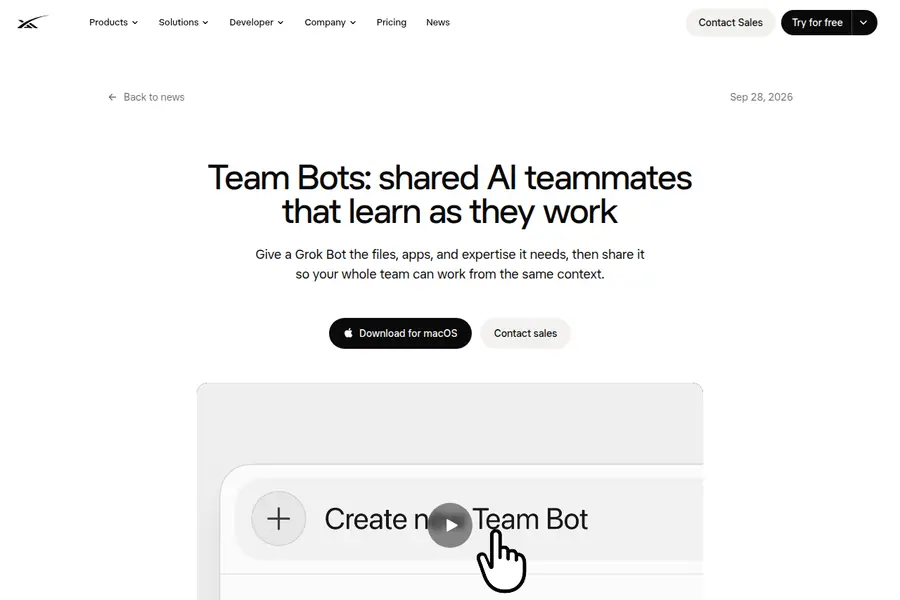
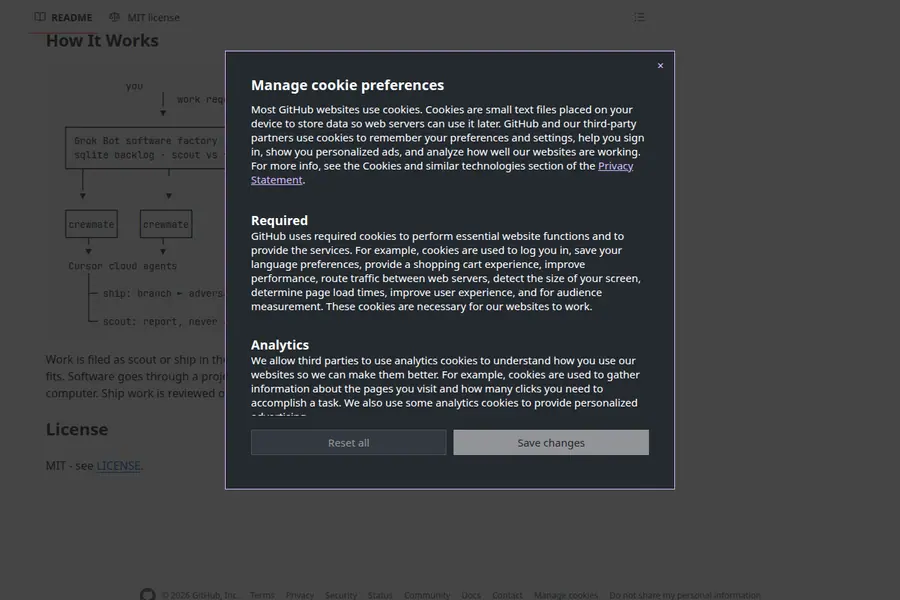
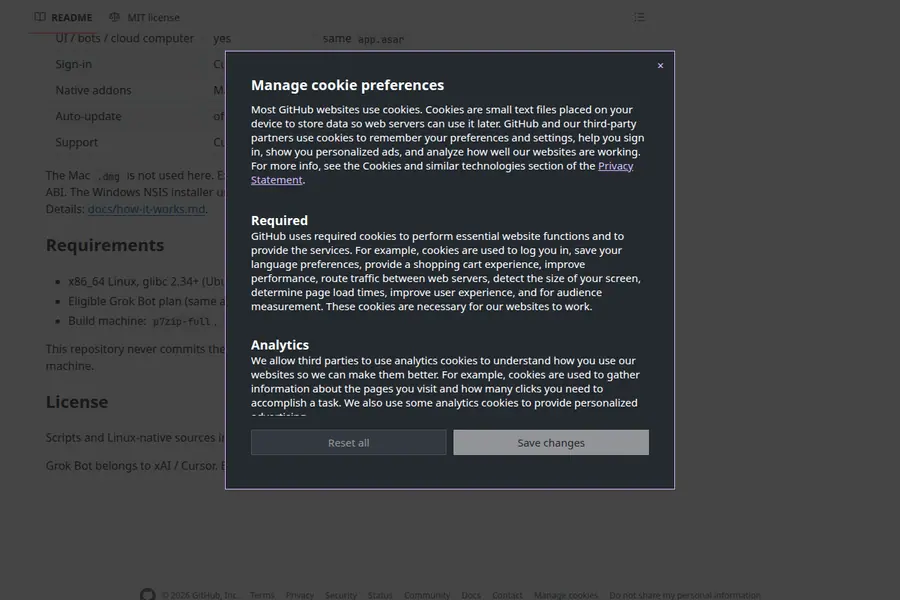
社区把官方 Windows Electron 安装包搬到 Linux:make build 产出 .deb / AppImage / 解压目录,用同一 Cursor / SuperGrok 账号登录。云端电脑不变,本机构建只是遥控器。README 写清依赖、无沙箱参数与 NVIDIA 黑屏 workaround。非 xAI/Cursor 产品。 Community port of the official Windows Electron installer to Linux: `make build` yields .deb, AppImage, or a tarball; sign in with the same Cursor / SuperGrok account. Bots still live on the cloud computer — this build is the remote control. README covers deps, --no-sandbox, and an NVIDIA black-window workaround. Not an xAI/Cursor product.

为什么推荐Why we recommend it 可跟做的 Linux 构建步骤;官方仍不支持 Linux,自行承担风险,不要用它绕过账号条款。 Follow-along Linux build steps; Linux remains unsupported officially — use at your own risk and do not treat it as a ToS bypass.

核验记录:来源、抓取与截图说明Verification log: sources, checks, and captures

Show HN / HN item 49467702。Show HN / HN item 49467702.

上手路径How to start

  1. 先跑一次安全范围Run a safe first pass

    先在可撤回、不外发的范围内试跑一遍,确认输出可用,再考虑扩大权限。 Try it first in a reversible, non-outbound scope. Confirm the output, then widen permissions.

  2. 存 SkillSave a Skill

    把跑通的步骤存成 Skill,下次同类任务直接复用,而不是重新口述。 Save the working steps as a Skill so the next similar job reuses them instead of being re-explained.

  3. 再上 RoutineThen add a Routine

    确认输出可靠后,再考虑定时或事件触发;例行默认仍应停在待审。 After output is reliable, consider a schedule or event trigger. Routines should still stop at review by default.

相关案例Related cases