详细介绍Details
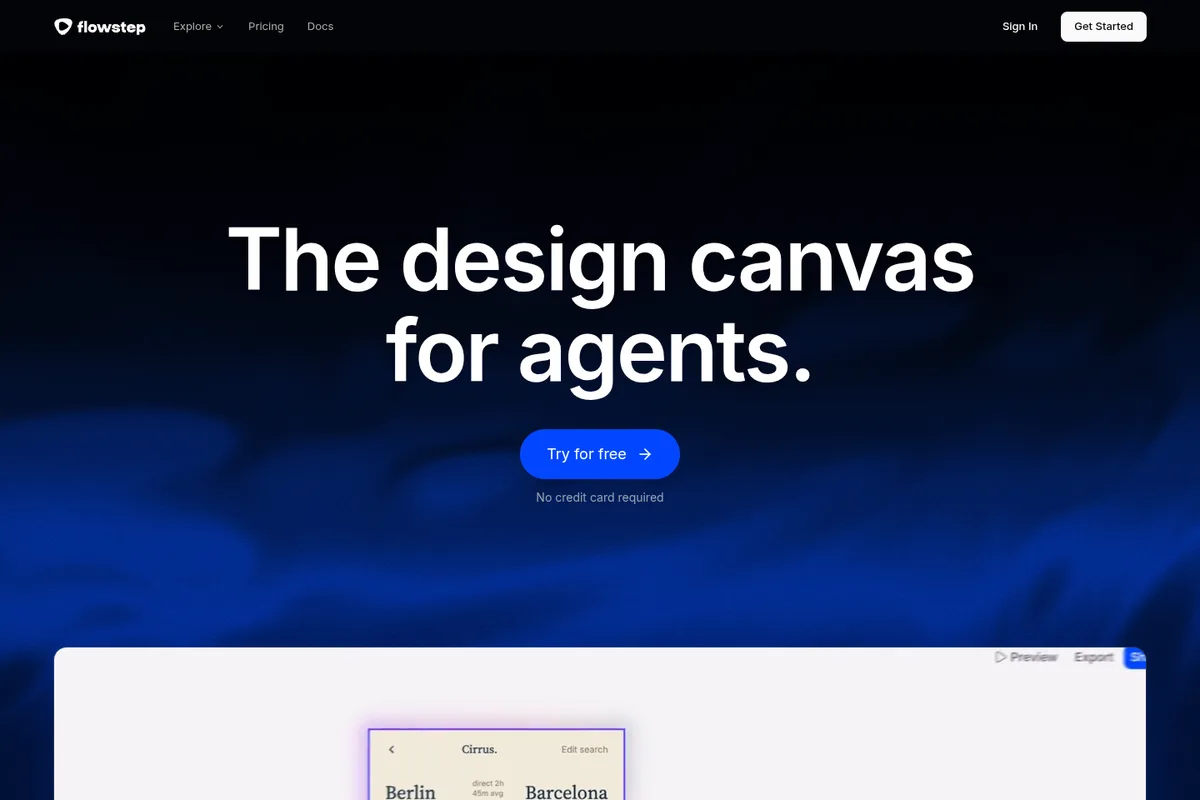
Flowstep 自称「给 agent 用的设计画布」。官网写:把颜色、字体、间距写进设计指南,之后每次生成和修改都跟这套走;也可以说「以后都用我们的蓝」,它会自己改规则。MCP 服务器地址是 https://api.flowstep.ai/mcp,文档写可接 Cursor、Claude Code、Windsurf、Codex:助手能生成屏幕、看渲染图、改稿,并和指南同步。画布上的帧可用 ⌘⇧C / ⌘V 拷进 Figma,也能从 Figma 导入成可编辑屏幕,不装插件。导出写的是 React、TypeScript、Tailwind。官网首页写 No credit card required;具体免费额度和付费档本库没在价格页核对。适合已经在用编程助手、又想先有可改视觉稿再写代码的人。 Flowstep calls itself a design canvas for agents. The site says you write colors, typography, and spacing into design guidelines so every generation and edit follows them, and you can say “from now on, use our blue” for it to update the rules. Its MCP server is at https://api.flowstep.ai/mcp; docs say it connects to Cursor, Claude Code, Windsurf, and Codex so an agent can generate screens, view renders, edit them, and keep guidelines in sync. Frames paste into Figma with ⌘⇧C / ⌘V, and Figma frames import as editable screens with no plugin. Export is listed as React, TypeScript, and Tailwind. The homepage says no credit card required; free quotas and paid tiers were not checked on a pricing page. Good for people already using a coding agent who want editable UI mockups before code.
为什么推荐Why we recommend it 收录理由:AI×设计,把出屏能力直接塞进编程助手,和库里的 ProtoPie MCP、Figma 助手互补。本库没有注册 Flowstep,没有连 MCP,没有生成屏幕,也没有核对价格与额度。 Why it is listed: AI×design that puts screen generation inside a coding agent, complementary to ProtoPie MCP and the Figma agent already in the library. This library did not sign up for Flowstep, connect MCP, generate a screen, or check pricing and quotas.
核验记录:来源、抓取与截图说明Verification log: sources, checks, and captures
主源是官网 https://flowstep.ai/ 与 MCP 页 https://flowstep.ai/mcp ,早间均 HTTP 200;Cursor / Claude Code 配置片段和「先 list-files 再 create-new-design」步骤照 https://docs.flowstep.ai/mcp/quickstart 。预览为 Playwright 实拍官网首屏裁 3:2 WebP。Primary sources are https://flowstep.ai/ and https://flowstep.ai/mcp, both HTTP 200 this morning; Cursor / Claude Code config snippets and the list-files then create-new-design steps follow https://docs.flowstep.ai/mcp/quickstart. Preview is a Playwright capture of the homepage above the fold, cropped to 3:2 WebP.
上手路径How to start
审批边界Approval boundary 连 MCP 要登录 Flowstep;生成会占额度。往正式 Figma 文件粘贴前自己先看一眼。 Connecting MCP needs a Flowstep login and generations use quota. Review before pasting into a production Figma file.
- 先跑一次安全范围Run a safe first pass
先在可撤回、不外发的范围内试跑。本条未批准前:连 MCP 要登录 Flowstep;生成会占额度。往正式 Figma 文件粘贴前自己先看一眼。。 Try it first in a reversible, non-outbound scope. Until approved: Connecting MCP needs a Flowstep login and generations use quota. Review before pasting into a production Figma file..
- 存 SkillSave a Skill
把跑通的步骤存成 Skill,下次同类任务直接复用,而不是重新口述。 Save the working steps as a Skill so the next similar job reuses them instead of being re-explained.
- 再上 RoutineThen add a Routine
确认输出可靠后,再考虑定时或事件触发;例行默认仍应停在待审。 After output is reliable, consider a schedule or event trigger. Routines should still stop at review by default.