详细介绍Details
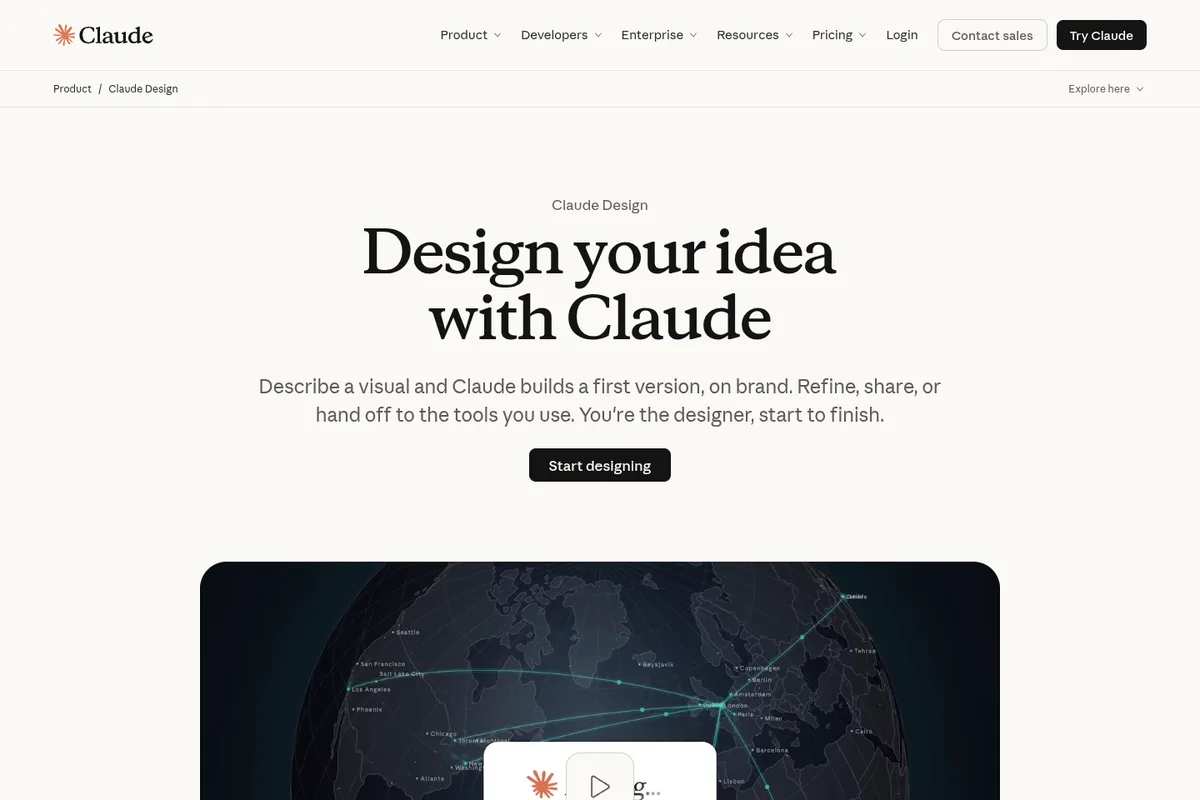
Anthropic Labs 的 Claude Design:用对话做设计稿、可点原型、一页纸和演示相关视觉。产品页写你可以说需求,Claude 先出一版,再通过继续聊、批注、直接改画布或滑杆微调。能从 GitHub、设计文件或本机代码库导入设计系统,让输出用真实组件、颜色和字体,而不是一套通用模板。和 Claude Code 之间可用 /design-sync 把设计系统拉过去,或用 /design 在终端里建、改、同步设计项目;做完也能交给 Claude Code 接着写代码。导出写的有 PDF、PPTX、HTML,以及 Adobe、Canva、Gamma、Lovable、Miro、Replit、Vercel、Wix 等连接。2026-10-08 官方公告:Claude Design 连同 Docs、Slides 去掉 beta,所有套餐(含免费档)都能用。企业组织默认关闭,管理员可开。独立站 claude.ai/design 写明开到 2026-12-14,之后迁到对话里的 Artifacts。 Claude Design from Anthropic Labs: make designs, clickable prototypes, one-pagers, and presentation visuals by chatting. The product page says you describe what you need, Claude builds a first version, then you refine through conversation, comments, direct canvas edits, or sliders. You can import a design system from GitHub, design files, or a local codebase so output uses your real components, colors, and type instead of a generic template. With Claude Code you can /design-sync to pull the system in, or /design from the terminal to create, edit, and sync design projects; when ready you can hand off to Claude Code to implement. Exports listed include PDF, PPTX, HTML, plus connectors to Adobe, Canva, Gamma, Lovable, Miro, Replit, Vercel, and Wix. Anthropic's 2026-10-08 post took Claude Design, Docs, and Slides out of beta on every plan, including Free. Enterprise orgs default off until an admin enables them. The standalone claude.ai/design site stays open until 2026-12-14, then work moves into Artifacts in any Claude chat.
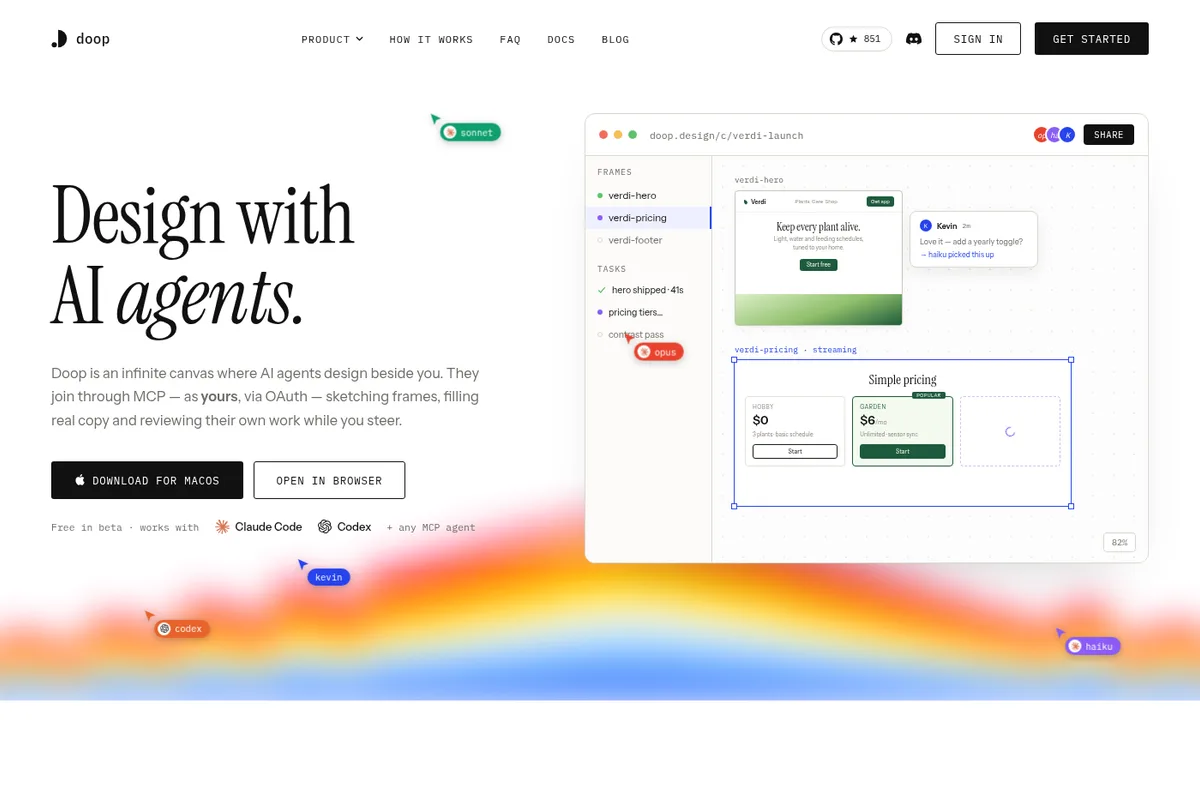
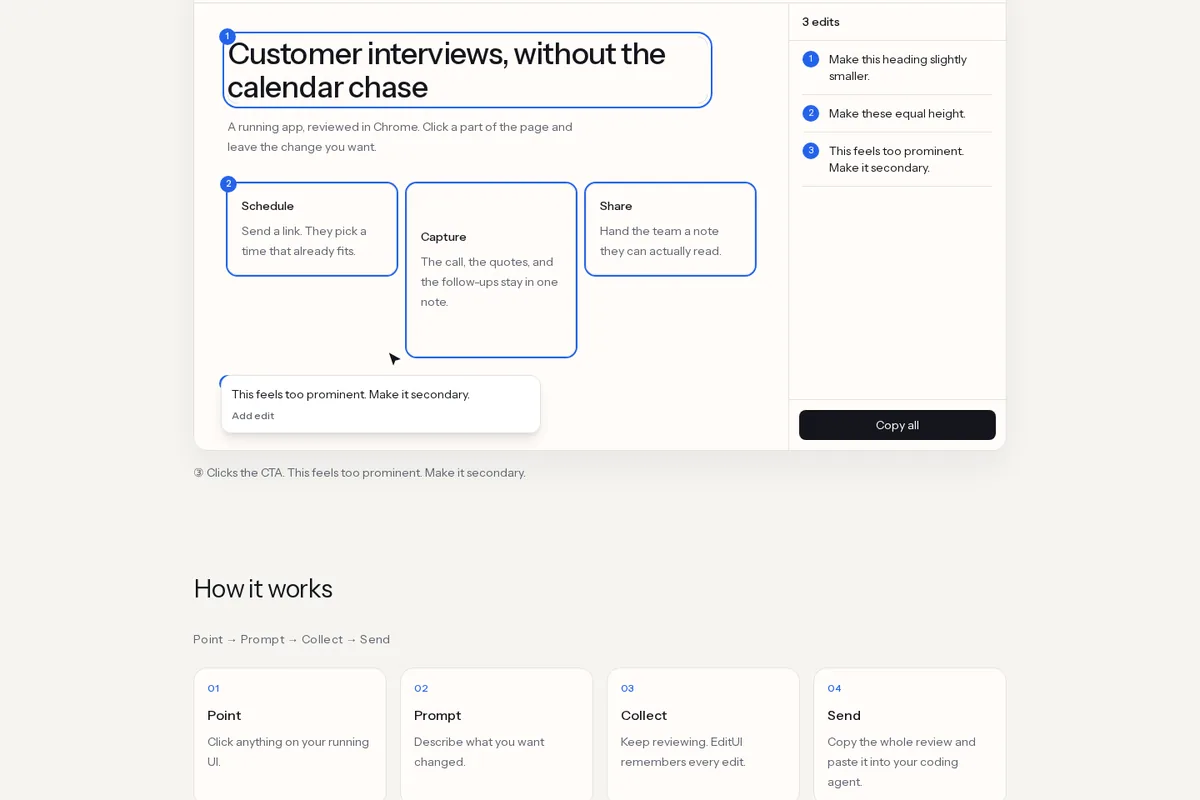
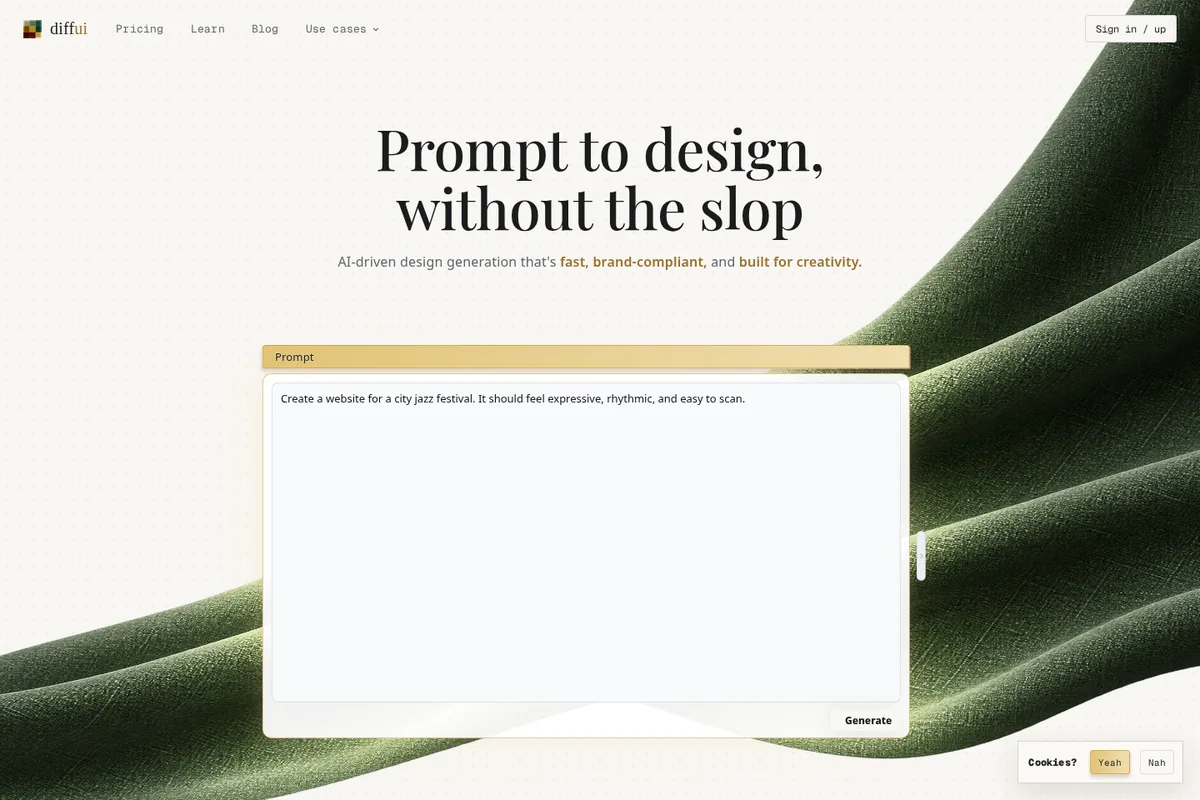
为什么推荐Why we recommend it 首发新闻是 2026-04-17 Anthropic Labs 帖。帮助中心「Get started with Claude Design」写付费档 beta;产品页 FAQ 写 Design/Slides/Docs 含免费档,两处不一致,都记。收录理由:AI×设计,和库里的 Figma 助手、Framer Skills、Graphical 同一类「按设计系统出稿」,但挂在 Claude 对话和 Claude Code 上。本库没有登录 Claude,没有导入设计系统,没有实测导出或连接器。 Help Center “Get started with Claude Design” says beta on paid plans; the product FAQ says Design/Slides/Docs are included on every plan including Free. Both are recorded. Why it is listed: AI×design, same family as the library’s Figma agent, Framer Skills, and Graphical entries—generate against a design system—but inside Claude chat and Claude Code. This library did not sign in to Claude, import a design system, or test exports or connectors.
核验记录:来源、抓取与截图说明Verification log: sources, checks, and captures
主源是产品页 https://claude.com/product/design ,早间 HTTP 200;设计系统导入、/design-sync、导出格式和连接器名单都照页面与 2026-09 博客「Claude Design now stays on brand for daily work」写。预览为 Playwright 实拍产品页首屏裁 3:2 WebP。Primary source is the product page https://claude.com/product/design, HTTP 200 this morning; design-system import, /design-sync, export formats, and the connector list follow that page and the September 2026 blog “Claude Design now stays on brand for daily work.” The launch post is Anthropic Labs on 2026-04-17. Preview is a Playwright capture of the product page above the fold, cropped to 3:2 WebP.