详细介绍Details
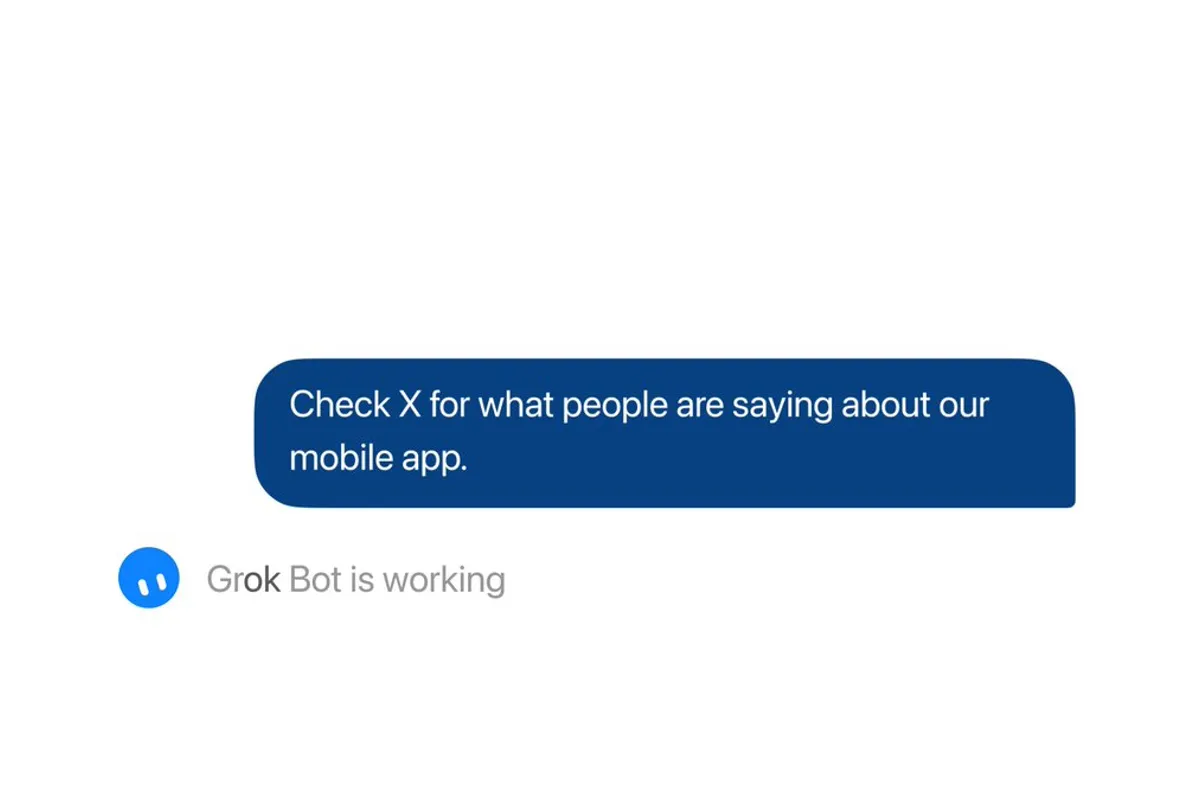
官方 @bot 2026-10-07T21:40Z(约 10-08 05:40 北京时间)发帖:Grok Bot 现在可以搜索、阅读和持续关注 X 上的公开内容。同串第二条说:可以让它追踪大家对你产品的反馈、跟进一条突发新闻,或者每周给你发一份行业汇总;所有用户都能用,不需要先设置 X 连接器。和 8 月那次「X 连接器」不同:那次要用你的 X 账号登录,能读你自己的时间线、提及和书签;这次只读公开内容,你的私信、书签、发帖仍要连自己的账号。怎么用:直接跟 Bot 说「每周一早上帮我汇总 X 上关于某某产品的讨论」,它会建一个定时任务。 Official @bot post at 2026-10-07T21:40Z (about 05:40 on 10-08 Beijing time): Grok Bot can now search, read, and monitor public posts on X. The second post in the thread says you can ask it to track feedback on your product, follow a breaking story, or send a weekly roundup of your industry, and that it is available for all users with no need to set up the X connector. This differs from the August X connector: that one signs in with your own X account to read your timeline, mentions, and bookmarks; this one reads public content only, and DMs, bookmarks, and posting still need your own account. How to use it: tell a Bot something like “every Monday morning, summarize what people on X are saying about product Y,” and it sets up a routine.
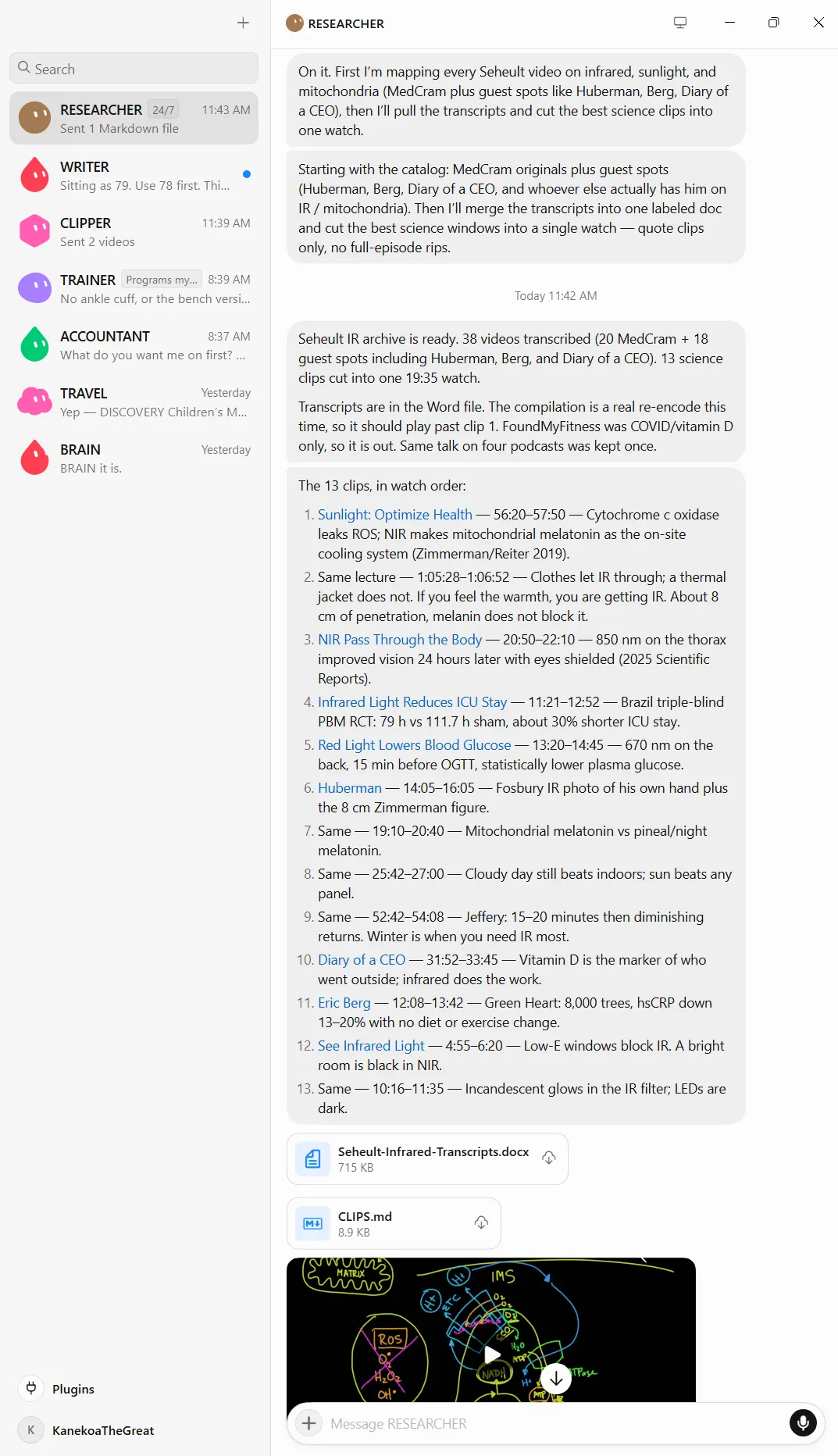
为什么推荐Why we recommend it 主源是官方 @bot 两条推文,X API 和 fxtwitter 早间都能读到(主帖附 12 秒演示视频,早间约 60 万浏览、5954 赞)。收录理由:门槛变低,以前要先连 X 账号,现在所有用户直接能让 Bot 读公开帖子。本库这次收录时,Bot 就是用这套内置的 X 读取查到 @bot 这两条帖子的;运行中看到的额度提示是每分钟 30 次、每天 1000 次,这是本库这次实际看到的数字,官方帖子没写额度,以后可能会变。边界:只读公开内容,不代你发帖;私信、书签、你自己的首页时间线仍要连 X 账号。 Primary sources are the two official @bot posts, readable this morning via the X API and fxtwitter (the main post has a 12-second demo video; about 600K views and 5,954 likes this morning). Why it is listed: the barrier dropped, from connecting your X account first to every user having a Bot read public posts directly. While cataloging this entry, the Bot found these two @bot posts through this same built-in X reading; the quota notice seen during the run was 30 reads per minute and 1,000 per day. Those are the numbers seen in this run, not stated in the official posts, and they may change. Boundary: public content only, no posting on your behalf; DMs, bookmarks, and your own home timeline still need your X account.
核验记录:来源、抓取与截图说明Verification log: sources, checks, and captures
预览为官方演示视频的封面图裁 3:2 WebP。Preview is the official demo video's cover frame cropped to 3:2 WebP.
上手路径How to start
审批边界Approval boundary 读公开帖子不用你点头;要用你的账号发帖、回复或读私信时,仍要你自己连账号并确认。 Reading public posts needs no approval; posting, replying, or reading DMs from your account still needs you to connect it and confirm.
- 先跑一次安全范围Run a safe first pass
先在可撤回、不外发的范围内试跑。本条未批准前:读公开帖子不用你点头;要用你的账号发帖、回复或读私信时,仍要你自己连账号并确认。。 Try it first in a reversible, non-outbound scope. Until approved: Reading public posts needs no approval; posting, replying, or reading DMs from your account still needs you to connect it and confirm..
- 存 SkillSave a Skill
把跑通的步骤存成 Skill,下次同类任务直接复用,而不是重新口述。 Save the working steps as a Skill so the next similar job reuses them instead of being re-explained.
- 再上 RoutineThen add a Routine
输出稳定后再打开例行 / 定时。本条已有例行形态,不要一上来就无人值守外发。 Turn on the routine / schedule only after output is stable. This item already has a routine shape — do not start unattended outbound.